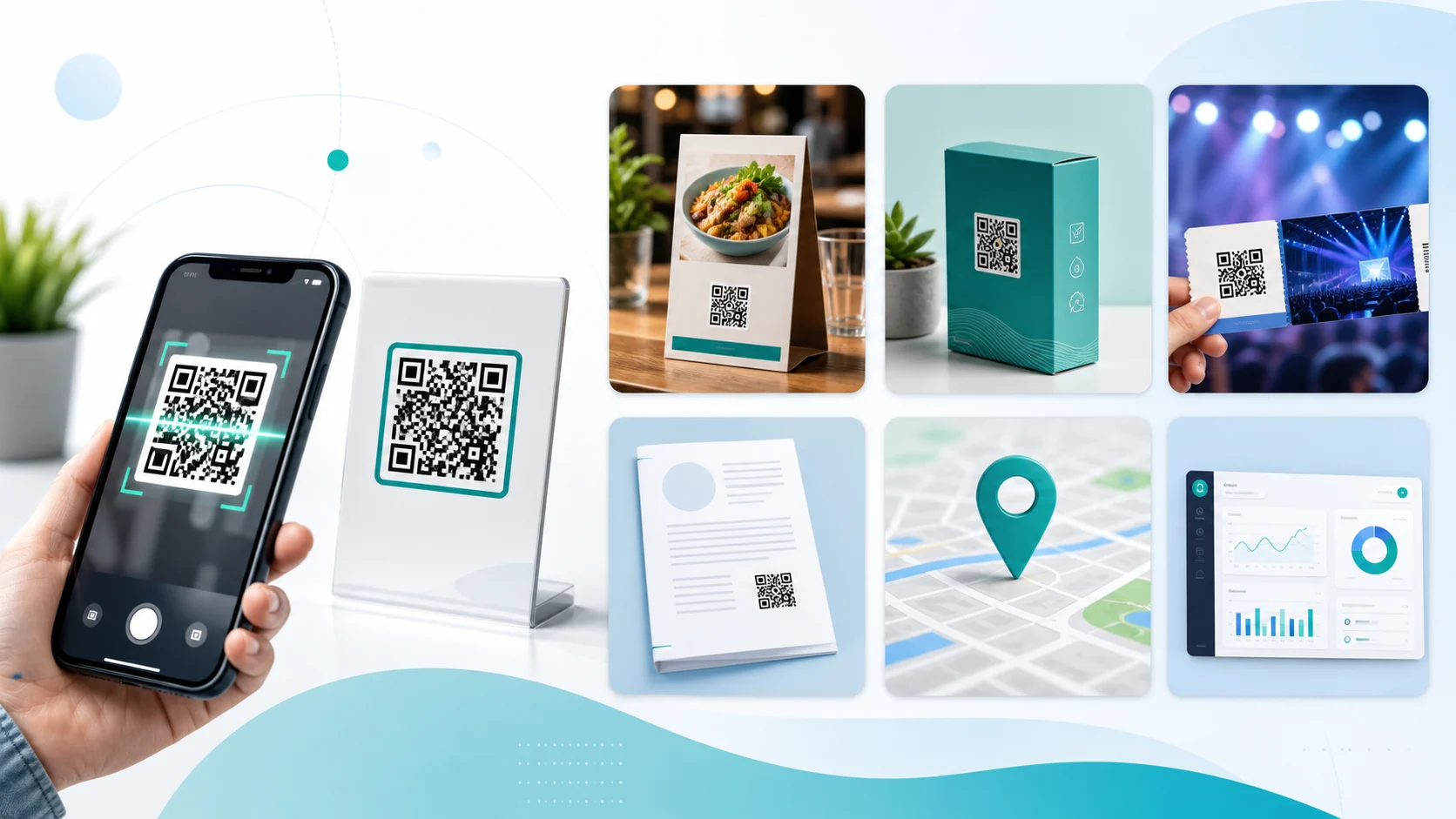
QR codes are small bridges between physical objects and digital content. One scan is enough to turn a poster, menu, product package, document or sign into a direct path to a website, file, map or action. That is why QR codes are not just a marketing detail anymore, but a practical tool for everyday use, retail, events and internal workflows.
Key takeaways
- Fast access: QR codes remove the need to type long URLs.
- Flexible: They can link to websites, PDFs, locations, Wi-Fi, contacts, tickets and campaigns.
- Great for print: flyers, packaging, signs and menus become interactive.
- Measurable: UTM parameters or dynamic QR codes help evaluate campaigns.
- Brandable: a QR code with logo looks more professional when contrast and quiet zone are preserved.
1. Make websites and landing pages easy to reach
The most common use is simple: a QR code opens a website. This is ideal for posters, business cards, packaging, notices, manuals and invoices. Users do not need to type an address and land on the correct page immediately. For normal links, use the QR Code Generator. If the destination may need to change later, a dynamic QR code is the better fit.
2. Share menus, price lists and PDFs
QR codes are especially useful when printed information changes often. A menu, price list, instruction sheet or brochure does not need to be reprinted every time. Instead, the code links to the current file. The PDF QR Code Generator is built for that. If you want to place a QR code inside an existing document, use Add QR Code to PDF.
3. Use logo QR codes for branding
A plain QR code works, but it often looks technical. With a logo, matching colors and a clear label, it becomes part of the design. High contrast, a clean quiet zone and a sufficient print size still matter. With the QR Code Generator with Logo, you can test the design and download it as PNG, SVG or WebP.
4. Share locations, meeting points and navigation
A location QR code is useful for vacation rentals, events, construction sites, meeting points, delivery spots and shop windows. Anyone who scans it opens the location in a map app. If you do not know the coordinates yet, find them with the Location Calculator. The guide How to Find GPS Coordinates explains the details.
5. Events, tickets, check-ins and contacts
At events, QR codes can connect tickets, entry, schedules, maps and feedback forms. On business cards, they can lead to contact details, a booking page or a profile. They are also useful for internal check-ins, maintenance records and inventory lists because scanning is faster and less error-prone than manual entry.
6. Add digital context to products and barcodes
On products, QR codes can link to nutrition facts, manuals, authenticity checks, spare parts or warranty pages. Traditional barcodes such as EAN-13 and Code 128 remain important for checkout and logistics. QR codes complement them when more information or a digital process is needed. Use the Barcode Scanner to verify codes.
7. Measure and improve campaigns
QR codes can show which flyers, posters or packages are actually used. For that, use UTM parameters or a dynamic redirect. The article QR Code Tracking explains what is technically possible and where privacy and expectations should be handled clearly.
| Use case | Typical destination | Useful tool |
|---|---|---|
| Flyer or poster | Website or landing page | QR Code Generator |
| Menu or manual | Current PDF file | PDF QR Code Generator |
| Brand design | QR code with logo and colors | QR code with logo |
| Meeting point | Map or location link | Location Calculator |
| Campaign | Measurable link with UTM | Dynamic QR Codes |
Static or dynamic?
A static QR code contains the destination directly. It is free, robust and ideal when the link will stay the same. A dynamic QR code contains a redirect address. That lets you change the target later and evaluate usage more easily. For long-lived print materials, campaigns and packaging, dynamic is often the safer choice.
What should you watch out for?
- Contrast: a dark code on a light background scans best.
- Quiet zone: keep clear space around the code.
- Size: the larger the scanning distance, the larger the code must be.
- Test scan: always test with multiple devices before printing or publishing.
- Destination page: the linked page should load quickly on mobile and be clear.
Conclusion
QR codes are useful whenever people should move from print, product or place to a digital destination without friction. They are especially helpful for links, PDFs, locations, menus, events, products and measurable campaigns. Start with a clear goal, create the code in the QR Code Generator, and test it with the QR Code Scanner before using it.