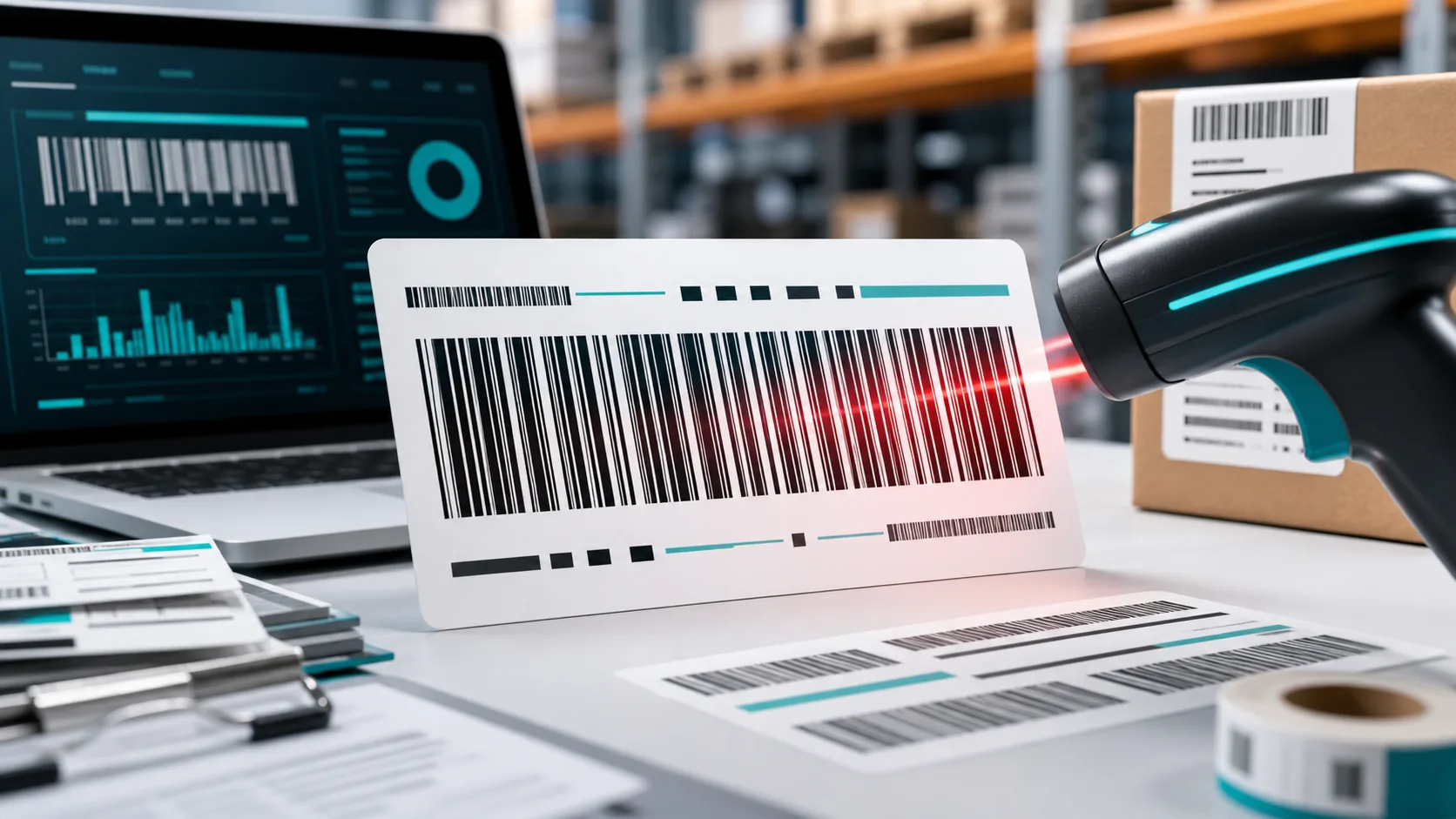
Code 128 is one of the most important barcodes in the world — and one of the most misunderstood. Anyone who prints shipping labels, manages inventory, or tags products internally will run into this barcode sooner or later. This article explains how Code 128 is structured, why it is so space-efficient, how the check digit works, and how to create a Code 128 yourself — with a generator or a font such as Libre Barcode 128.
At a glance
- Type: linear (1D) barcode, developed in 1981 by Computer Identics
- Content: all 128 ASCII characters (letters, digits, symbols)
- Special feature: three character sets (A, B, C) for high density
- Reliability: built-in check digit using Modulo 103
- Used in: logistics, warehousing, healthcare, industry
What Is Code 128?
Code 128 is a linear (one-dimensional) barcode with very high information density. It was developed in 1981 by Computer Identics and can represent the full ASCII character set of 128 characters — hence the name. Unlike the familiar EAN code, which holds only digits, Code 128 also encodes letters, symbols, and control characters.
These strengths make it a standard across many industries:
- High density: Code 128 is extremely compact, especially with numeric data.
- Full ASCII set: letters and numbers in a single symbol.
- High reliability: a built-in check digit minimizes read errors.
- Flexible length: the code adapts to the amount of data.
The Structure of a Code 128 Barcode
The structure of a Code 128 barcode is always the same. Read from left to right, it consists of these parts:
- Quiet zone: an empty margin before and after the code so the scanner can detect the start and end.
- Start character: defines which character set (A, B, or C) is used.
- Data: the actual encoded characters.
- Check character: a calculated check digit (Modulo 103).
- Stop character: signals the end.
Each character consists of exactly 11 modules — three bars and three spaces of varying width. A "module" is the smallest unit of width. The stop character is the only exception, using 13 modules. This fixed structure makes the code very robust for scanners.
The Three Character Sets A, B, and C
The most distinctive part of Code 128 is its three operating modes, which can be mixed within a single code:
- Code Set A: uppercase letters, digits, symbols, and ASCII control characters (ASCII 0–95).
- Code Set B: uppercase and lowercase letters, digits, and symbols (ASCII 32–127).
- Code Set C: numeric pairs only (00–99). This is the trick behind the high density — two digits fit into a single character. A ten-digit number therefore needs only five data characters.
Modern generators choose the most efficient character set automatically and switch mid-code when needed — for example, from letters (Set B) to a long numeric string (Set C). This matters when you create Code 128 manually with a font, because there no one handles that logic for you.
How Is the Check Digit Calculated?
The check digit ensures that a damaged or dirty code is not misread. It is calculated using the Modulo 103 method:
- Every character in Code 128 has a fixed numeric value — including the start character.
- Take the value of the start character as the base.
- For each data character, multiply its value by its position (1, 2, 3 …) and add everything up.
- Divide this sum by 103. The remainder (modulo) is the value of the check character.
In short: check value = (start value + sum of position × character value) mod 103. When reading, the scanner performs exactly the same calculation. If the result does not match the encoded check character, it refuses the read. This check digit is part of the barcode but not part of the human-readable text below it, so you usually don't see it.
GS1-128: Code 128 for Logistics
An important variant is GS1-128 (formerly UCC/EAN-128). It uses the same barcode but adds a control character called FNC1 and so-called Application Identifiers (AI). These two- to four-digit prefixes define what the following number means:
(00)– logistics unit (SSCC)(01)– item number (GTIN)(17)– best-before date(10)– batch number
This makes it possible to store structured data such as batch, expiry date, and quantity in a single barcode. GS1-128 is therefore the standard on pallet and shipping labels worldwide.
Where Is Code 128 Used?
Thanks to its flexibility, Code 128 appears in almost every industry:
- Shipping and logistics: tracking numbers, pallet labels
- Warehousing: internal item and shelf labels
- Healthcare: patient and medication labeling
- Manufacturing: serial numbers and component IDs
Wherever flexible alphanumeric data is needed rather than plain product EANs, Code 128 is the first choice.
Code 128 Compared to Other Barcodes
| Barcode | Characters | Length | Typical use |
|---|---|---|---|
| Code 128 | all ASCII (128) | variable | logistics, warehousing, industry |
| EAN-13 | digits only | fixed (13) | retail, products |
| Code 39 | limited (43 chars) | variable | older industrial systems |
| QR code | very large (2D) | variable | URLs, mobile applications |
Compared to EAN-13, Code 128 is far more versatile because it allows any characters and lengths. For how EAN-13 is structured, see our article EAN-13 explained. Compared to the older Code 39, Code 128 is more compact. For mobile applications or URLs, the two-dimensional QR code is the better tool.
Creating Code 128: Generator or Font?
There are two ways to create a Code 128 — and they differ significantly in convenience and reliability.
1. Online Generator (Recommended)
The easiest and safest way is a barcode generator. You enter your data, select Code 128, and instantly get a finished image — including a correctly calculated check digit and automatic character-set selection. Error sources like a forgotten check digit are eliminated. For single codes or small batches, this is the fastest option. You can use our barcode generator directly for this.
2. Barcode Font (e.g., Libre Barcode 128)
A barcode font turns text in a spreadsheet or document into bars. Libre Barcode 128 is a free Google font that does exactly this. The catch: the font only draws the bars — it does not calculate the check digit and does not add start and stop characters correctly on its own. You have to work out these values yourself and prepend or append them, or the code won't scan.
The same applies when you create Code 128 in Excel or Word via a font: without a correct check digit (for example via a helper formula or VBA macro), the code stays unreadable. For occasional users, the generator is clearly the better choice.
Common Mistakes with Code 128
- Missing check digit when using fonts: the most common reason a homemade code won't scan.
- Quiet zone too small: without enough margin, the scanner can't detect start and end.
- Over-scaling when printing: if the code becomes blurry or too small, readability suffers.
- Wrong character set: working manually, it's easy to mix A, B, and C incorrectly.
Frequently Asked Questions About Code 128
How many characters can a Code 128 hold? In theory the length is unlimited. In practice, only print area and readability limit a sensible number of characters.
Does Code 128 always have a check digit? Yes. The Modulo 103 check digit is a fixed part of the standard. It is inside the barcode but does not appear in the human-readable text.
What is the difference between Code 128 and GS1-128? GS1-128 is a standardized application of Code 128 with FNC1 characters and Application Identifiers for logistics. Technically it is the same barcode.
Is Libre Barcode 128 free to use? Yes, the font is free. However, it does not calculate the check digit for you — you have to handle that separately.
Conclusion
Code 128 is the all-rounder among linear barcodes: compact, versatile, and highly reliable thanks to its check digit. If you only need a code occasionally, an online generator is your best bet — it handles character-set selection and the check digit automatically. Fonts like Libre Barcode 128 are an option for technically savvy users but carry a risk of error. Try it out and create your Code 128 here.