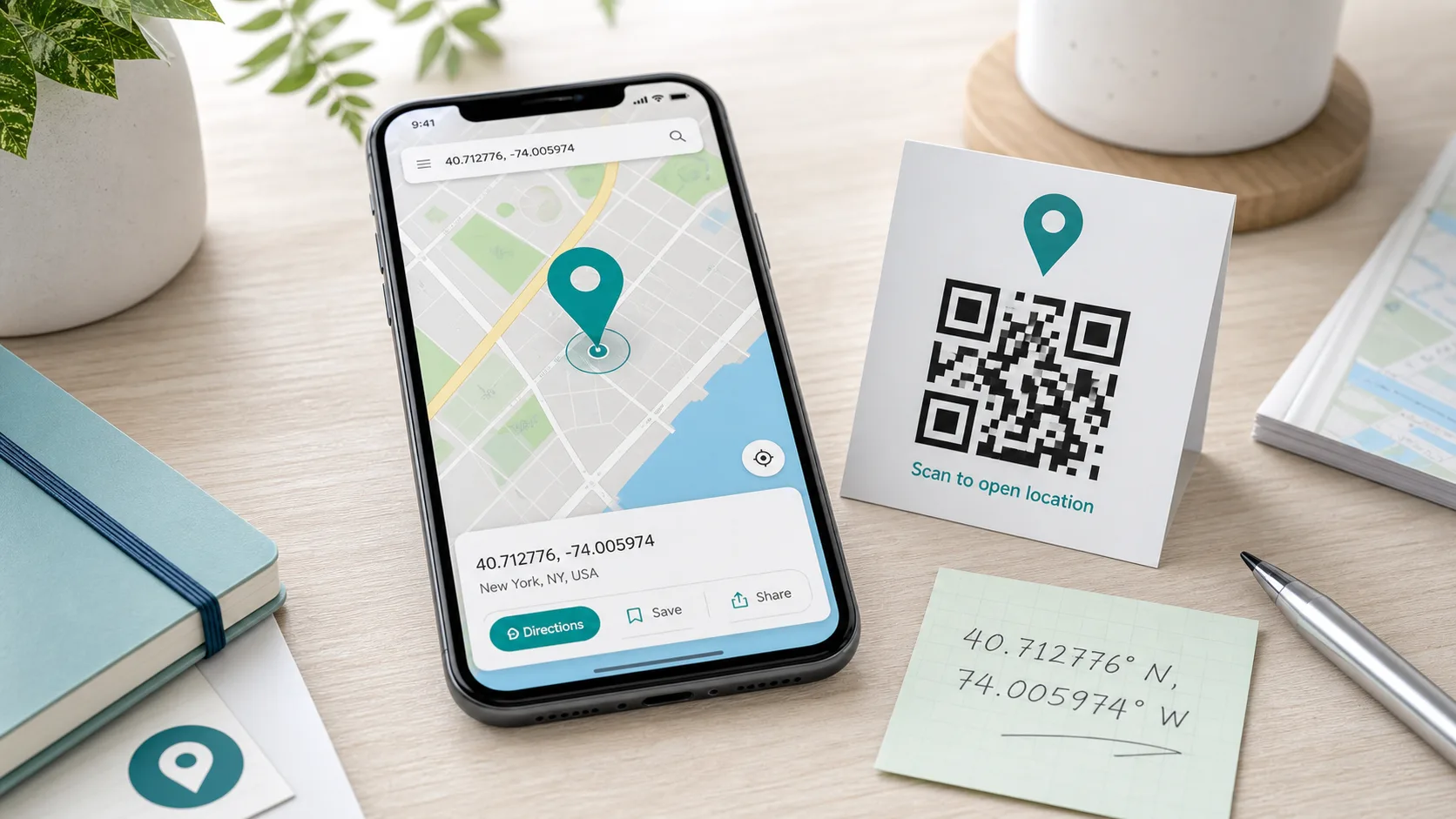
Want to share a meeting point, mark a spot precisely, or create a location QR code — and need the exact GPS coordinates for it? This article shows you how to find and determine GPS coordinates, what the numbers mean, how to convert between the common formats, and how to enter them into Google Maps. The fastest way is the location calculator, which determines your coordinates right in the browser.
At a glance
- GPS coordinates consist of latitude and longitude
- Two formats: decimal degrees (52.5200) and degrees-minutes-seconds (52°31'12"N)
- Fastest way to find them: the location calculator in your browser
- In Google Maps: coordinates can be displayed and entered directly
- Handy: turn coordinates into a location QR code
What Are GPS Coordinates?
GPS coordinates describe any point on Earth with two numbers:
- Latitude: the position north or south of the equator, from −90° (South Pole) to +90° (North Pole).
- Longitude: the position east or west of the prime meridian, from −180° to +180°.
The order matters: by convention, latitude comes first, then longitude. Berlin, for example, sits at 52.5200, 13.4050 — that is 52.52° north and 13.41° east. Swapping the order is one of the most common mistakes and quickly lands you in a completely different place.
What Do You Need GPS Coordinates For?
Addresses are convenient, but they don't exist everywhere — a viewpoint, a forest cabin, or a meeting spot on a large festival ground often has no street number. GPS coordinates, by contrast, work anywhere in the world and are unambiguous. Typical uses include:
- Sharing meeting points that have no address (trailhead parking, a stretch of beach, an event area)
- Location QR codes for invitations, vacation rentals, or shops
- Navigation to exact points rather than just the nearest street
- Documentation, such as find spots, construction sites, or survey points
- Hobbies like geocaching, fishing, or drone flights
In all of these cases it pays to determine the coordinates cleanly — and that's exactly what the location calculator helps with.
The Two Notations: Decimal Degrees and DMS
GPS coordinates appear in two formats. Both describe the same point but look different:
| Format | Example (Berlin) | Used in |
|---|---|---|
| Decimal degrees (DD) | 52.5200, 13.4050 | Google Maps, apps, QR codes |
| Degrees-minutes-seconds (DMS) | 52°31'12"N 13°24'18"E | maps, navigation, maritime |
Decimal degrees is the most common today because map services and apps use it. Degrees-minutes-seconds comes from classic cartography. With decimal degrees, make sure to use a period as the separator, not a comma — otherwise many services won't recognize the number.
Converting GPS Coordinates
To convert decimal degrees to DMS: the part before the decimal point is the degrees. Multiply the fractional part by 60 to get the minutes. Multiply the remaining fraction by 60 again for the seconds. Example: 52.5200° → 52°, 0.52 × 60 = 31.2 → 31', 0.2 × 60 = 12" → 52°31'12". In practice, a tool does this calculation for you.
How to Find GPS Coordinates: 3 Methods
1. With the Location Calculator (Fastest)
The easiest way to determine your current GPS coordinates is the location calculator. With your permission, it queries your device's location feature and shows you latitude and longitude instantly — no installation needed. It's ideal when you need your coordinates right now, for example to share a meeting point or create a QR code.
2. Reading GPS Coordinates From Google Maps
You can also find coordinates through Google Maps:
- On a computer: right-click the point you want on the map. The coordinates appear in decimal degrees at the top of the menu. Clicking them copies them.
- On a smartphone: press and hold a spot on the map until a red marker (a "pin") appears. The coordinates then show in the search bar or in the place details.
This is how you read GPS coordinates from Google Maps for any point — not just your current location.
3. Directly From Your Smartphone
Modern smartphones can determine coordinates without an extra app. On the iPhone, the built-in Compass app shows the current coordinates at the bottom. On Android, you'll find them — depending on the manufacturer — in the location or map settings, or through Google Maps as described above.
How to Enter GPS Coordinates Into Google Maps
You can also do the reverse and enter coordinates to find a place. Simply type the GPS coordinates into the Google Maps search bar — most reliably in decimal-degree format with a comma between the two values, for example 52.5200, 13.4050. Maps then jumps straight to that point. The DMS format is accepted too, but it should be written exactly, with degree, minute, and second symbols. This is how you enter GPS coordinates into Google Maps without knowing an address.
Turning Coordinates Into a Location QR Code
Once you've found the coordinates, you can turn them into a handy location QR code. Anyone who scans it opens the spot directly in their map app — ideal for invitations, venues, vacation rentals, or hiking trails. To do this, enter latitude and longitude into the QR code generator (content type "location") and download the finished code. If you don't know your coordinates yet, the location calculator determines them for you before you build the code.
How Accurate Are GPS Coordinates?
Accuracy depends on the number of decimal places. As a rule of thumb in decimal degrees, the fourth decimal place corresponds to about 11 meters, and the fifth to roughly one meter. For a meeting point or QR code, five places are usually plenty. Your device's actual measurement accuracy also depends on reception, surroundings (urban canyons, dense forest), and sensors — outdoors with good reception, a modern smartphone is often within a few meters. If your determined location seems off, it helps to wait a moment until the device has found more satellites, or to check the point afterward on a map.
Common Mistakes With GPS Coordinates
- Latitude and longitude swapped: always latitude first, then longitude.
- Comma instead of a period: in decimal degrees, most services expect a period as the decimal separator.
- Missing direction in DMS format: without N/S or E/W, the direction is ambiguous.
- Too few decimal places: even the third decimal place makes about a 100-meter difference — for precise locations, use five to six places.
Frequently Asked Questions
How do I find my current GPS coordinates? The fastest way is the location calculator in your browser, which queries your location. Alternatively, use Google Maps or the Compass app on your smartphone.
What do the two numbers mean? The first is the latitude (north/south), the second is the longitude (east/west).
What is the difference between decimal degrees and DMS? Both describe the same point. Decimal degrees uses a decimal number (52.5200), while DMS uses degrees, minutes, and seconds (52°31'12"). Apps prefer decimal degrees.
How do I enter GPS coordinates into Google Maps? Type them into the search bar, ideally as decimal degrees with a comma between the two values, such as 52.5200, 13.4050.
Conclusion
GPS coordinates are simpler than they look: two numbers for latitude and longitude, in two formats. If you want to determine your location quickly, use the location calculator — it delivers the coordinates in seconds. You can read them from Google Maps and enter them there again, and with a few clicks they become a location QR code that anyone can open. Try it out and find your GPS coordinates now.