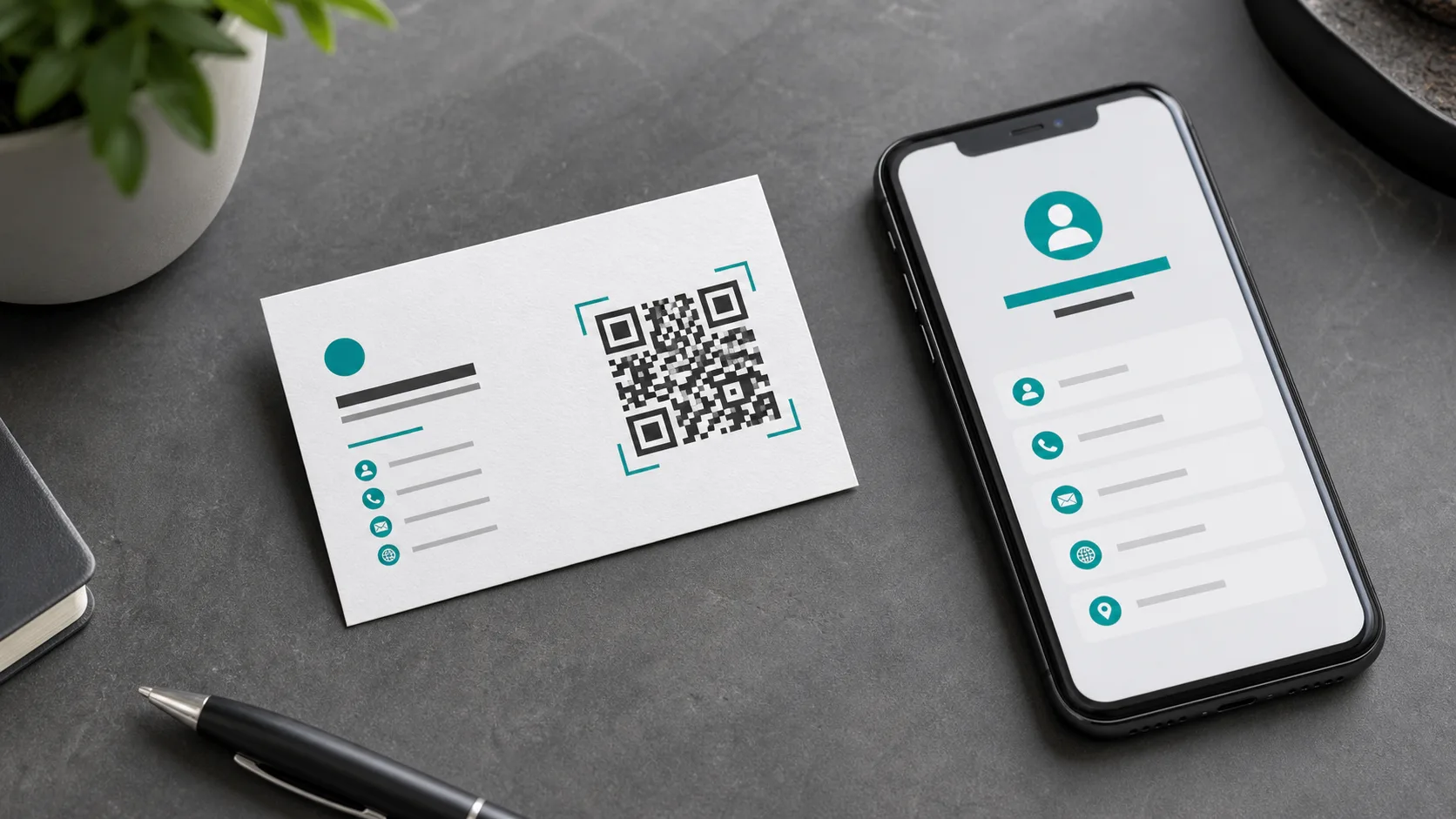
A QR code on a business card turns a small printed surface into a direct path to your digital contact details. Instead of typing a name, phone number, email address or website, the recipient only needs to scan the code. That is useful after trade shows, client meetings, networking events and sales calls: the card stays physical, but the next action happens on the phone. To make the code look professional, decide first what should happen after the scan.
What should the QR code trigger?
The most important decision is not the color of the code, but the destination. A QR code can open a website, save a vCard, show a LinkedIn profile, load a portfolio, start a booking flow or lead to a compact contact page. For classic sales and service contacts, a vCard is practical because name, company, phone and email can be saved directly to the address book. For freelancers, agencies and consultants, a landing page is often better because references, services, calendar links and downloads can sit in one place.
vCard or landing page?
A vCard is fast and clear. The scan opens a contact that the user can save. The drawback is that printed vCard QR codes are static when the data is stored directly in the code. If a phone number changes, the card has to be printed again. A landing page is more flexible. The QR code contains only a URL, while the target page can hold contact details, a team photo, services, legal information, privacy notes and current offers. If you want both, use a contact page with a clear "Save contact" button. The QR code stays simple and the content remains editable.
How to create the QR code
For a simple website or contact page, use the QR Code Generator. Enter the target URL, check the preview and download the code for print. If the code should match your visual identity, use the QR Code Generator with Logo. A logo, colors and frame can improve recognition as long as contrast remains strong. For campaigns where the destination may change later or performance should be measured, a dynamic QR code is the more robust choice.
Design and placement on the card
A QR code should not look like an afterthought pushed into a corner. Treat it as a design element. On a standard business card, an edge length of roughly 18 to 24 millimeters usually works, depending on data density and paper quality. Keep a clean quiet zone around the code, without text, lines or patterns. A black or very dark code on a white background scans most reliably. Colored codes can work, but pale foreground colors, low contrast, glossy coating and heavy textures can make scanning less reliable.
Add a clear label
A QR code is scanned more often when the card explains why the scan is useful. Good labels are short and specific: "Save contact", "View portfolio", "Book a meeting" or "Open website". Avoid long explanations on the card itself. The landing page can provide the details. The job of the label is simply to set the right expectation before the scan. That improves trust and makes the code feel intentional.
Tracking and UTM parameters
If the business card is part of a campaign, add UTM parameters to the destination URL. Analytics can then show that visits came from the business card. Useful values are simple, for example utm_source=business-card, utm_medium=print and a campaign name. The guide QR Code Tracking explains the details. Keep in mind that tracking measures the visit on the destination page, not the printed card itself.
Test before ordering print
Before sending the final file to print, test the code in the real layout. A screenshot on a monitor is not enough. Print a test card at actual size, scan it with several phones and try it under weaker light. Also test the full path: scan, landing page, contact button, form or booking flow. If the code was scaled down, distorted or exported too softly, the issue will show up during testing. For print files, SVG or high-resolution PNG is safer than a small JPG.
Avoid common mistakes
Most issues do not happen while generating the QR code, but during layout. The code is placed too close to the edge, the quiet zone is filled with a pattern, the foreground color is too light or the logo covers too many data modules. Very long URLs can also make the QR code denser and harder to scan at a small size. A short, clean destination URL is better. If the card is printed on both sides, consider placing the QR code on the back, where it has more space and does not compete with name, title and phone number.
Conclusion
A QR code on a business card is useful when it has a clear job. Decide first between vCard, website and contact page, design the code with strong contrast and test it at the real print size. The result is more than decoration: the recipient can save your contact, open your website or book the next meeting immediately.