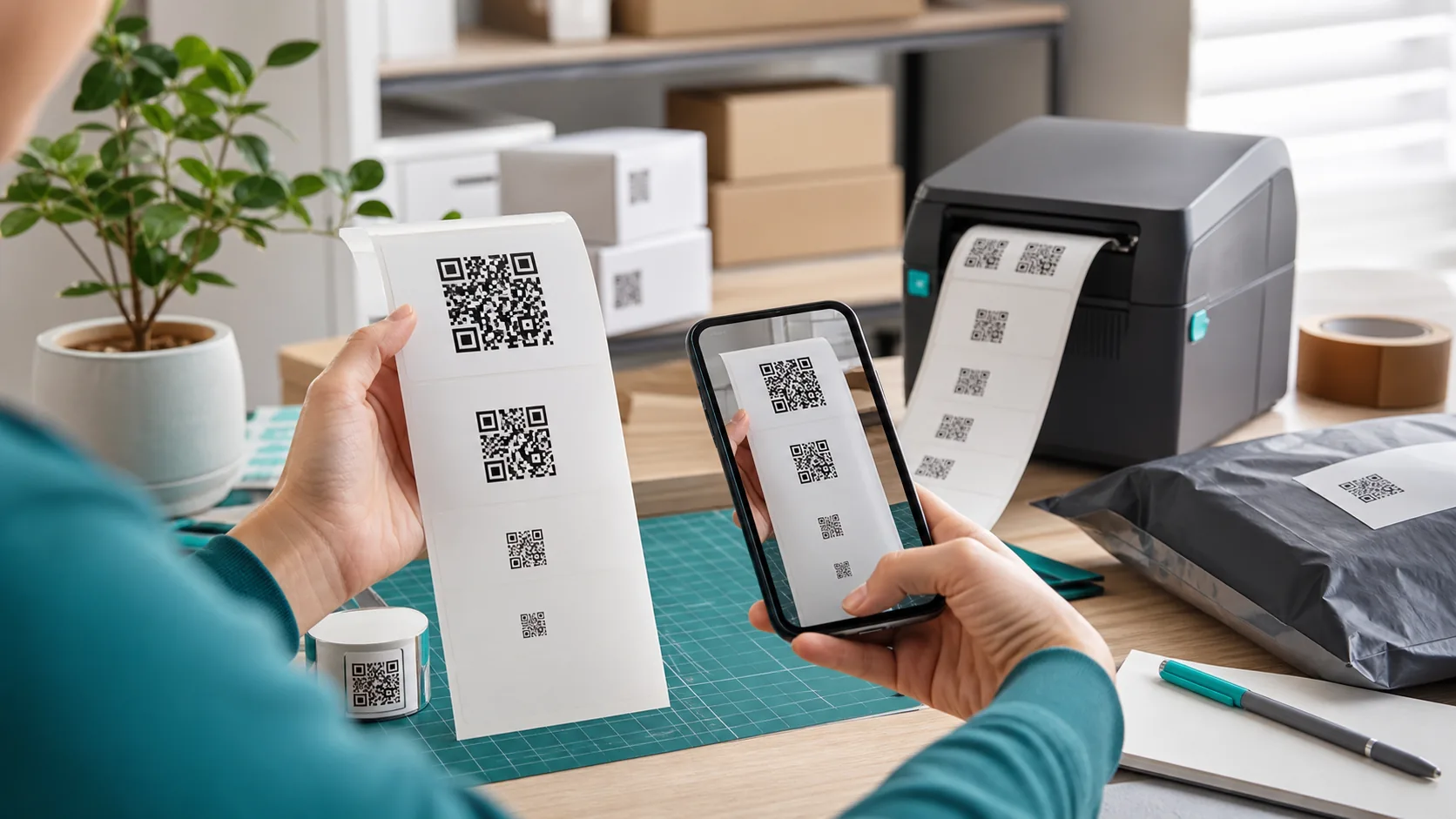
The same QR code can appear on a business card, package, menu or billboard, but the appropriate print size changes. The key measurement is each individual module, the small square that forms the symbol. You must also account for a four-module quiet zone, print resolution, data length, viewing distance and the target camera.
Quick answer
- For hand-held print, 25 to 30 mm square is often a useful starting point.
- Use SVG in page-layout software; never enlarge a soft PNG.
- Keep a four-module quiet zone clear on all sides.
- Print dark modules on a clean, light background.
- Test a proof at final size, on the final material, with several phones.
These are practical starting points, not a universal specification. A long URL can produce more modules and smaller details than a short URL at the same outer size.
Why there is no universal minimum size
Standard QR Code versions range from 21×21 to 177×177 modules. More data can require a higher version and therefore more modules. DENSO WAVE recommends building each printed module from at least four printer dots. The target scanner must also be able to resolve the resulting physical module size.
Estimate the outer width, including the required quiet zone, with:
Total width = (modules per side + 8) × module sizeThe extra eight modules are four clear modules on the left and four on the right; the same margin applies vertically. A Version 3 symbol has 29 modules per side. At 0.33 mm per module, the total area including quiet zone is about 12.2 mm wide. That may be printable, but it is not automatically comfortable for a casual smartphone scan on reflective stock.
Practical starting sizes
| Use | Starting size | Test conditions |
|---|---|---|
| Business card, label, packaging | 25–30 mm | Final stock, print method and close distance |
| Flyer, invoice, instructions | 30–40 mm | Laser print and a copied version |
| Menu or table sign | 35–50 mm | Low light, glare and oblique angles |
| Poster or storefront | 50–100 mm or larger | Actual viewing distance and glass reflections |
Increase the symbol as scan distance grows. A proof at the real installation is more reliable than a generic distance formula: mount the sample, scan from the expected position and include difficult lighting conditions.
SVG, PNG and DPI
SVG for page layout and professional print
SVG describes modules as vector shapes, so edges remain sharp while scaling. It is well suited to InDesign, Affinity Publisher, Illustrator and modern office workflows. Make sure the PDF export does not rasterize or blur the code.
PNG for office documents and simple print
PNG is reliable when it contains enough pixels before placement. A rough 300 dpi conversion is:
Pixels = millimeters ÷ 25.4 × 300| Print width | Pixels at 300 dpi | Useful export target |
|---|---|---|
| 25 mm | about 295 px | At least 300 px, preferably more |
| 30 mm | about 354 px | At least 400 px |
| 40 mm | about 472 px | At least 500–600 px |
| 50 mm | about 591 px | At least 600–800 px |
DPI alone is not a guarantee. A blurred export or interpolated image still fails. Keep module edges hard and square, and disable shadows, image filters and aggressive compression.
Quiet zone, contrast and material
DENSO WAVE specifies a clear area four modules wide around a standard QR code. It lets the scanner separate the symbol from its surroundings. Decorative frames, headlines and photography must stay outside that space.
- Contrast: Dark modules on a light background are the most robust.
- Avoid risky inversion: Some scanning apps handle light modules on dark backgrounds less consistently.
- Control reflections: Gloss varnish, film and glass can hide part of the symbol.
- Preserve edges: Absorbent paper, fabric and rough surfaces can make adjacent modules bleed together.
- Stay away from finishing: Add safety margin around folds, cuts, perforation and die lines.
Choose error correction deliberately
QR Codes provide four error-correction levels. DENSO WAVE lists approximate restoration rates based on codewords. Higher correction tolerates more damage but can increase symbol density for the same payload.
| Level | Approx. restoration | Typical use |
|---|---|---|
| L | about 7% | Clean, controlled environment with limited space |
| M | about 15% | Common starting point without a logo |
| Q | about 25% | Higher dirt or damage risk |
| H | about 30% | Logo or demanding environment, after testing |
Level H is not automatically better. A denser symbol can be harder to scan in a tiny print area. Match correction to the risk and enlarge the code when the module count rises.
Printing a QR code with a logo or color
A logo hides modules. Higher error correction may compensate for some obstruction, but it is not unlimited. Keep the mark compact and centered, and never cover the three large position patterns. Our QR code with logo tool lets you control logo size and background.
Color works when luminance contrast remains strong. Test the final CMYK output because a teal that looks dark on screen can print much lighter. For critical or high-volume applications, black on white remains the safest reference.
Print preflight checklist
- Verify the destination, HTTPS setup and mobile page.
- Remove unnecessary URL parameters or use a short, controlled redirect.
- Place SVG or a sufficiently large PNG; never upscale a soft image.
- Keep four modules of quiet zone clear on every side.
- Check contrast, logo size and error-correction level.
- Print a proof at final dimensions on the final material.
- Scan with iPhone and multiple Android phones from the real distance.
- For signs, also test angle, dim light and reflections.
- Approve the full print run only after the proof passes.
Frequently asked questions
How small can a printed QR code be?
It depends on version, data length, module size, printer resolution, scanner and distance. For typical smartphone use, 25 to 30 millimeters is a sensible starting point, but it does not replace a test at final size.
Is SVG or PNG better for printing?
SVG is usually ideal because its edges stay sharp at different sizes. PNG also works when it has enough pixels for the intended dimensions and is not enlarged after export.
How much empty space does a QR code need?
DENSO WAVE specifies a quiet zone four modules wide on every side. Keep text, borders, images and other marks out of this area.
Which error-correction level should I use?
Level M is a common starting point. Q or H can help when there is a logo, dirt or damage risk, but they also increase density and may require a larger symbol.
Can I print a colored QR code?
Yes, provided contrast remains high and the modules are clearly darker than the background. Black on white is the safest reference for critical applications.
Conclusion
A reliable print is not defined by one minimum-size rule. It comes from sufficiently large modules, a clear quiet zone, a sharp source file and realistic testing. Start around 25 to 30 mm for common hand-held uses, prefer SVG, and enlarge the symbol when the payload, logo or scan distance increases. A proof takes minutes; a failed print run costs much more.
Primary sources
- DENSO WAVE: module size and printer dots
- DENSO WAVE: code area and quiet zone
- DENSO WAVE: error correction
- DENSO WAVE: standardization and symbol sizes
Practical dimensions in this guide are starting points for smartphone use and must be validated in the actual print process. Sources checked July 31, 2026.
Create the matching QR code free in your browser.